Docs › Command Hub CRM › My Meetings
My Meetings: Schedule CRM bookings in Corpus Christi
Use My Meetings to share booking links, manage availability, and track upcoming meetings.
Why use My Meetings?
- Make it easy for prospects and customers to book time with you
- Reduce back-and-forth and no-shows with automated confirmations
- Keep meetings connected to contacts, companies, and opportunities
My Meetings: Booking Links, Availability & Calendar Sync
- Personal and team booking links
- Availability settings and buffers
- Calendar connections
How to use My Meetings
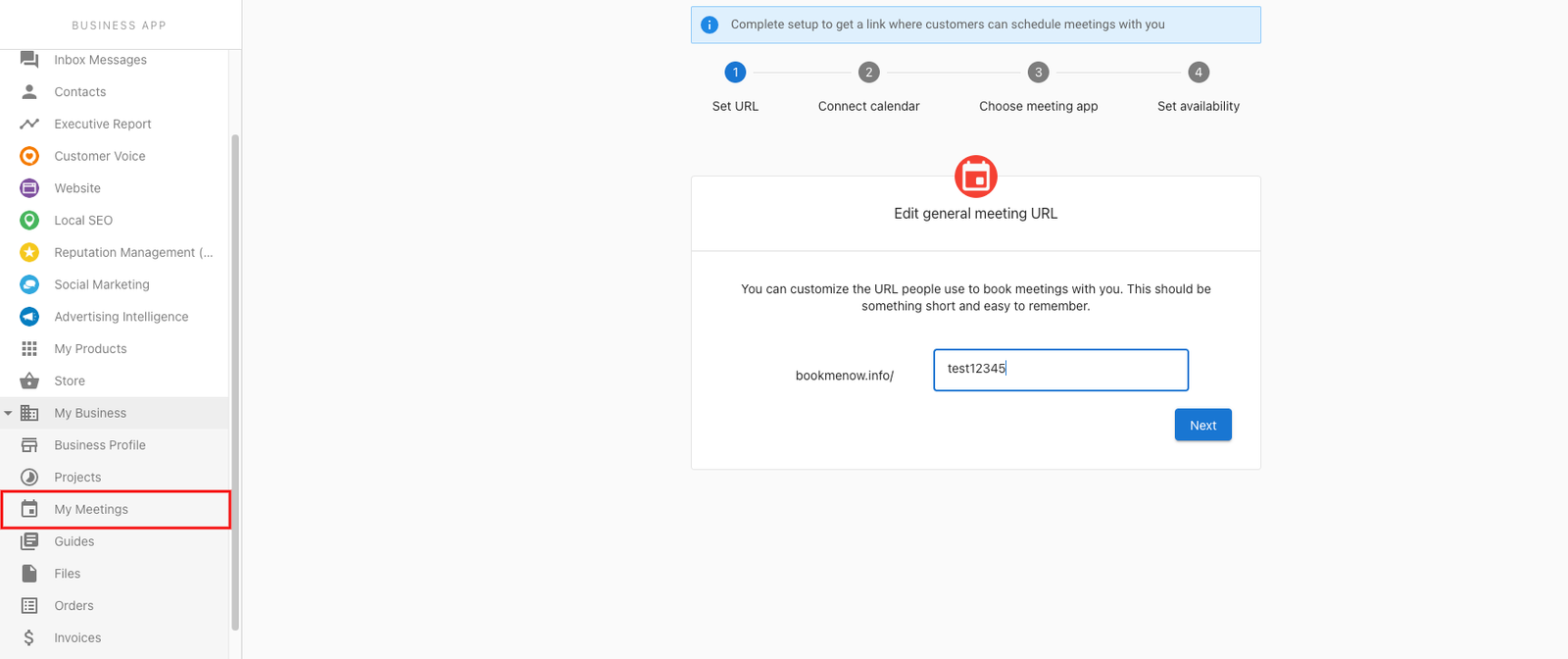
- Go to CRM > My Meetings.
- Connect your calendar and configure availability.
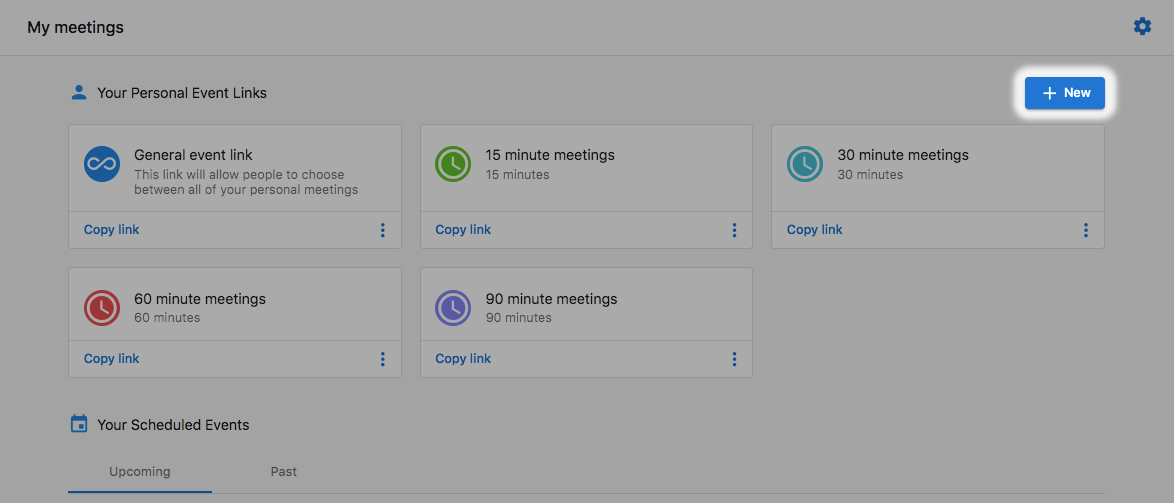
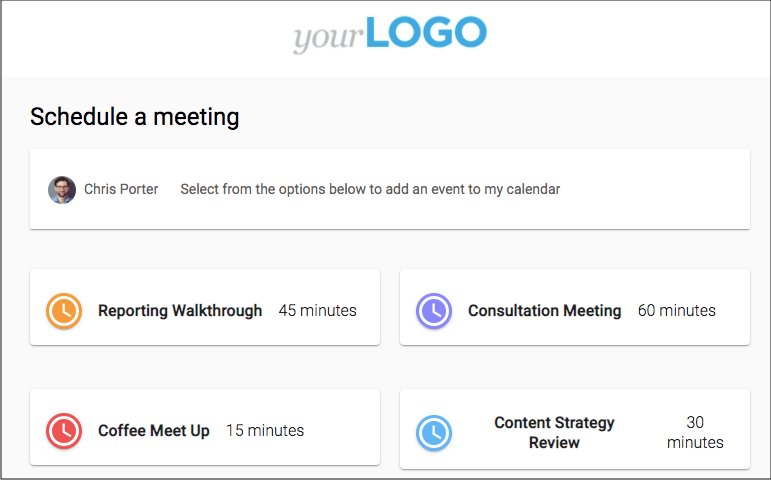
- Create personal or team booking links and share them.


Frequently Asked Questions (FAQs)
Can I set different durations for meeting types?
Yes. Configure durations when creating booking links.
Access Command Hub CRMBenefits of Using My Meetings
My Meetings offers a streamlined approach to scheduling, significantly reducing the time spent on back-and-forth communication. By providing users with a simple way to share booking links, it enhances convenience and efficiency, making it easier for clients to secure appointments.
Additionally, this feature minimizes scheduling conflicts and no-shows through automated confirmation emails and reminders. Businesses can leverage these benefits to improve client satisfaction and optimize their booking processes, ultimately leading to increased revenue and better time management.
Integrating My Meetings with Other Tools
My Meetings can be seamlessly integrated with various tools and platforms, enhancing its functionality and user experience. By connecting it with popular calendars like Google Calendar and Outlook, users can synchronize their schedules and ensure they never miss an appointment.
Furthermore, integration with CRM systems allows businesses to maintain a comprehensive record of client interactions and meetings, providing valuable insights into customer behavior and preferences. This holistic approach not only streamlines workflow but also empowers businesses to make informed decisions based on data-driven insights.
Tips for Maximizing My Meetings
To get the most out of My Meetings, users should familiarize themselves with its features and customize their settings according to their specific needs. For instance, setting up buffer times between appointments can help prevent overlap and ensure that users have adequate time to prepare for each meeting.
Moreover, utilizing personalized booking links can enhance the user experience by reflecting the brand's identity and making the scheduling process more engaging. By implementing these tips, users can optimize their meeting management and improve overall productivity.
Understanding User Permissions in My Meetings
My Meetings allows users to set different permission levels for team members, ensuring that sensitive information is kept secure. By defining who can access, modify, or view meeting details, businesses can maintain control over their scheduling processes and protect client data.
This feature is particularly beneficial for organizations with multiple team members involved in client interactions, as it fosters collaboration while safeguarding privacy. Understanding and managing user permissions effectively can lead to a more organized and secure meeting environment.