
Opportunities
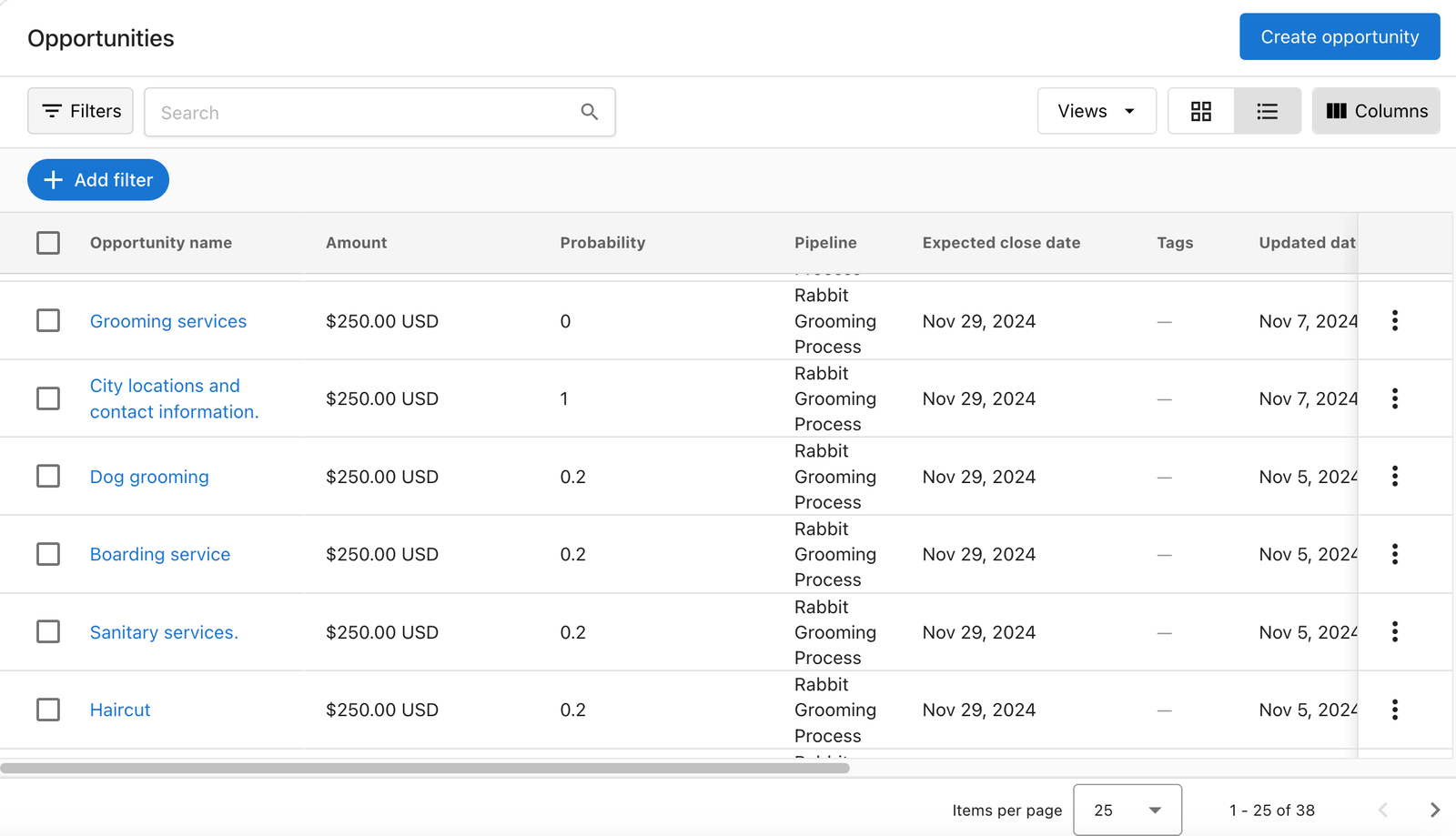
Opportunities are potential sales that are tracked in the CRM. You can create opportunities to track the progression of a sale from initial contact to closed deal.
Accessing Opportunities
Opportunities can be accessed via the CRM section of Command Hub CRM.
Opportunities List View
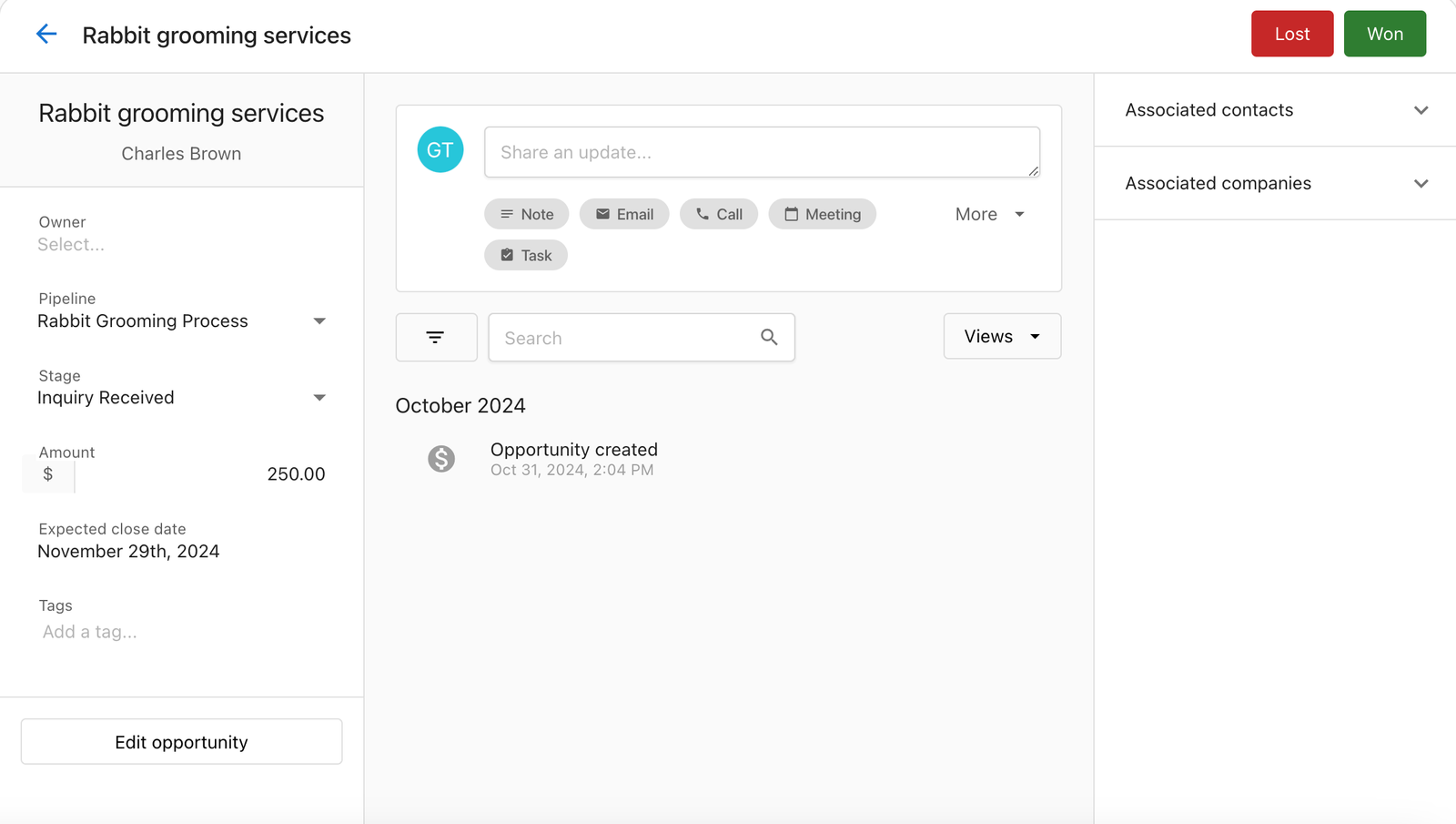
Opportunity Profiles
Each opportunity has its own profile page that contains all relevant information.
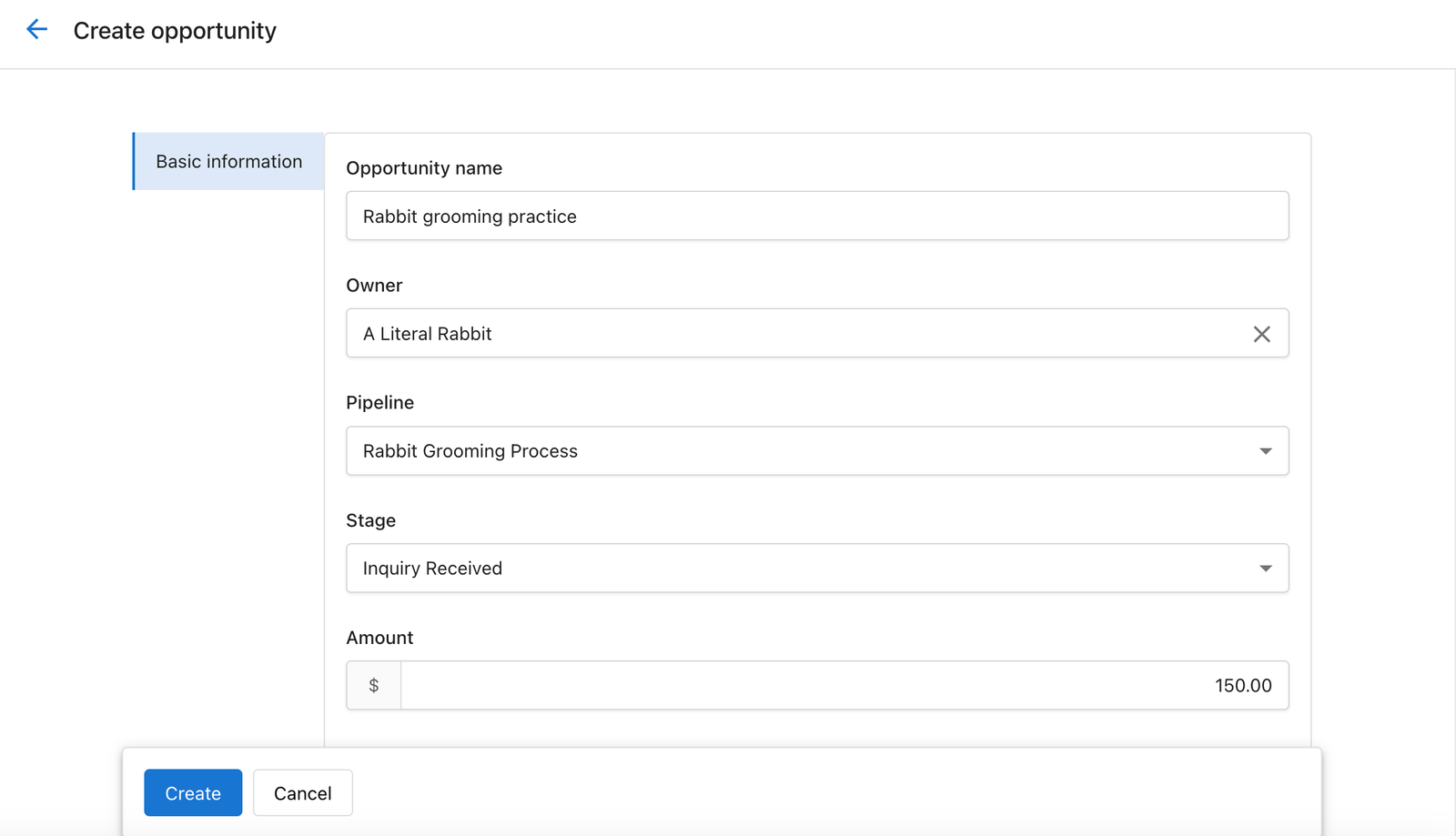
Creating an Opportunity
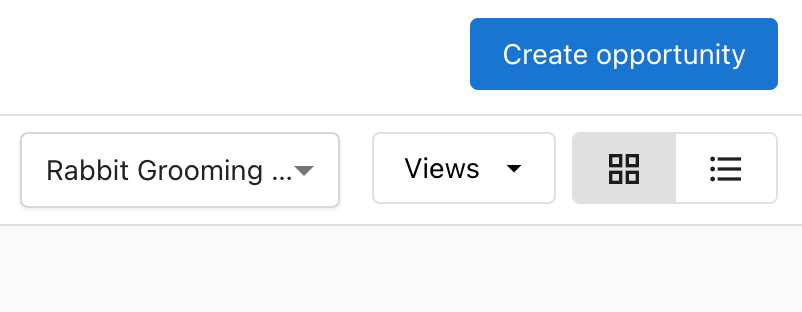
- Click the + Create opportunity button in the top right of the Opportunities page.
- Fill out the opportunity details in the form.
- Click Create to save the new opportunity.
Editing an Opportunity
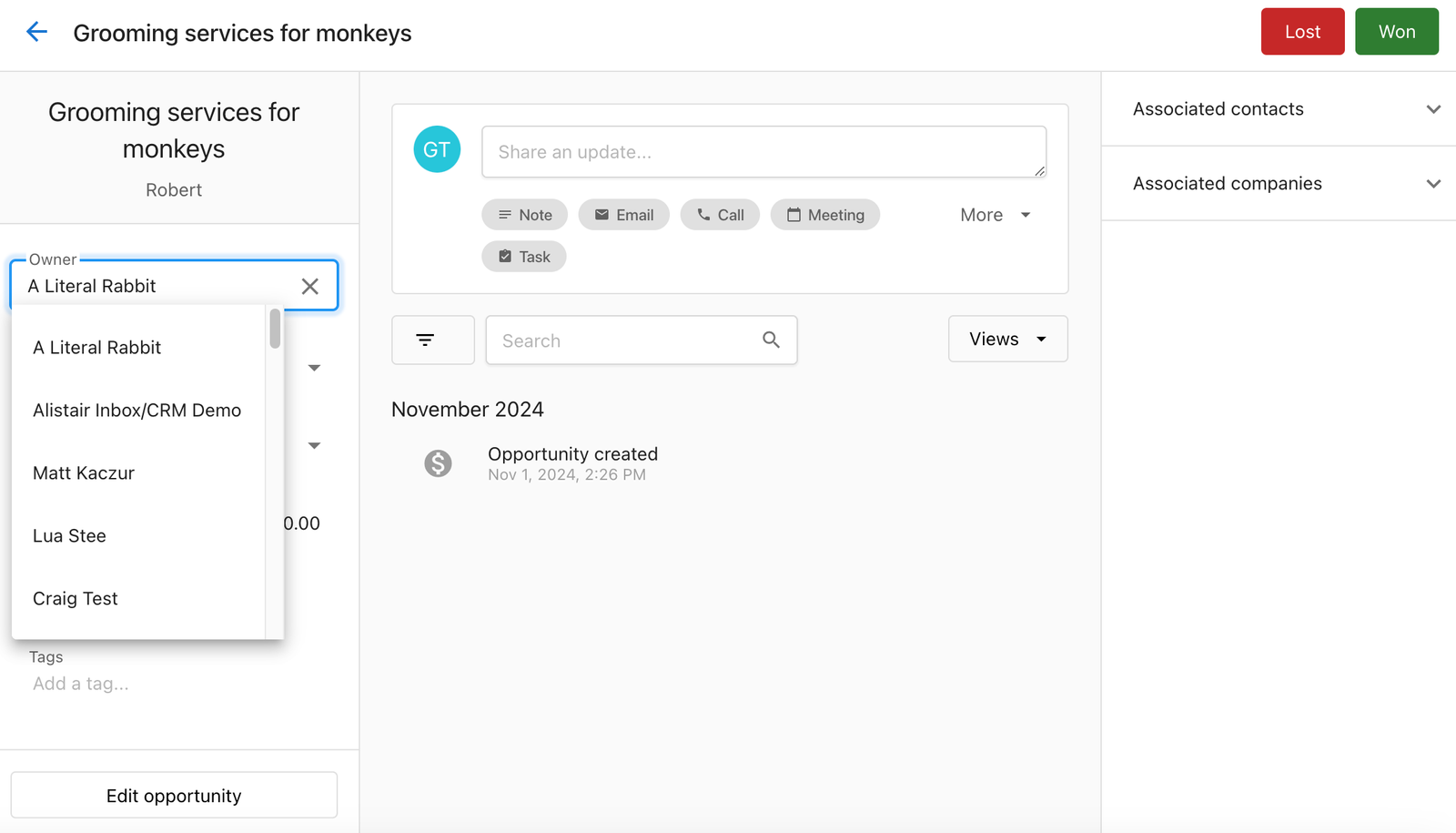
From the Profile Page
Click the Edit button at the top of the opportunity profile page.
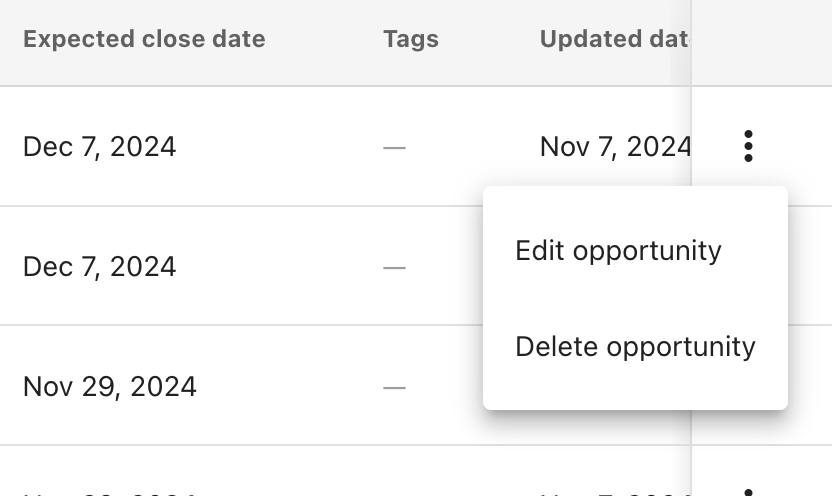
From the Table View
Click the three dots menu next to an opportunity and select Edit.
Opportunity Value Analytics
The CRM provides analytics on the total value of your opportunities, broken down by stage. This visualization helps you understand your sales pipeline and forecast potential revenue.

Managing Opportunity Stages
Each opportunity can be in one of several stages that represent its progression through the sales pipeline:
- Lead: Initial contact or expression of interest
- Qualified: The opportunity has been qualified as a potential sale
- Proposal: A proposal has been presented to the potential customer
- Negotiation: Terms are being negotiated
- Won: The opportunity has resulted in a sale
- Lost: The opportunity did not result in a sale
Moving opportunities through these stages helps you track your sales process and identify potential bottlenecks.
© Command Local — Command Hub Docs